Audio editing software plays a crucial role in modern digital content production. Whether you are creating podcasts, music tracks, voice‑overs, audiobooks, videos, or sound effects for multimedia projects, the right software can make all the difference in the quality and professionalism of your work. In this guide, we’ll explain what audio editing software is, why it’s essential, key features to look for, and the best tools available today.
What is Audio Editing Software?
Audio editing software refers to computer applications that allow users to manipulate and process audio data. At its core, this type of software lets you import audio files, edit them, enhance sound quality, apply effects, adjust levels, and export the final product in various formats.
Unlike basic recorders or simple voice‑memos, audio editing tools offer advanced capabilities such as multi‑track mixing, spectral analysis, noise reduction, and mastering features. Some are simple and beginner‑friendly, while others are professional‑grade Digital Audio Workstations (DAWs), providing powerful workflows for music production, film post‑production, and broadcast sound design.
Why Audio Editing Software is Essential
High‑quality audio is a non‑negotiable standard in today’s content landscape. Even visually engaging content can fail to retain audience attention if the sound is poor, inconsistent, or unbalanced. Good audio editing software ensures:
- Clarity and Precision – It helps remove unwanted noise, stabilize volume levels, and ensure your audio sounds clean and professional.
- Creative Control – With advanced tools and effects, editors can sculpt sound to fit the emotional tone, pacing, and context of the content.
- Multimedia Integration – In video production, games, and interactive media, synchronized and well‑mixed audio enhances viewer engagement and immersion.
- Consistency Across Platforms – Whether you’re distributing on Spotify, YouTube, or broadcast radio, audio editing software helps you meet the different format requirements and loudness standards.
- Professional Output for Brand Credibility – For businesses, studios, and content creators, high‑quality audio signals professionalism and boosts audience trust.
Key Features to Look For
When choosing the right audio editing software, understanding the essential features will help you decide which tool matches your needs.
1. Multi‑Track Editing
Most advanced tools support multi‑track editing, enabling you to work with multiple audio layers simultaneously. This is especially useful in music production, podcasting, and film post‑production.
2. Effects and Filters
Look for tools that include a range of audio effects like reverb, compression, equalization (EQ), noise reduction, and more. These effects help you shape the sound creatively and technically.
3. Noise Reduction and Restoration
For spoken‑word content, removing background noise, hums, clicks, and hisses is critical. Many modern audio editors include powerful restoration tools.
4. Visual Audio Displays
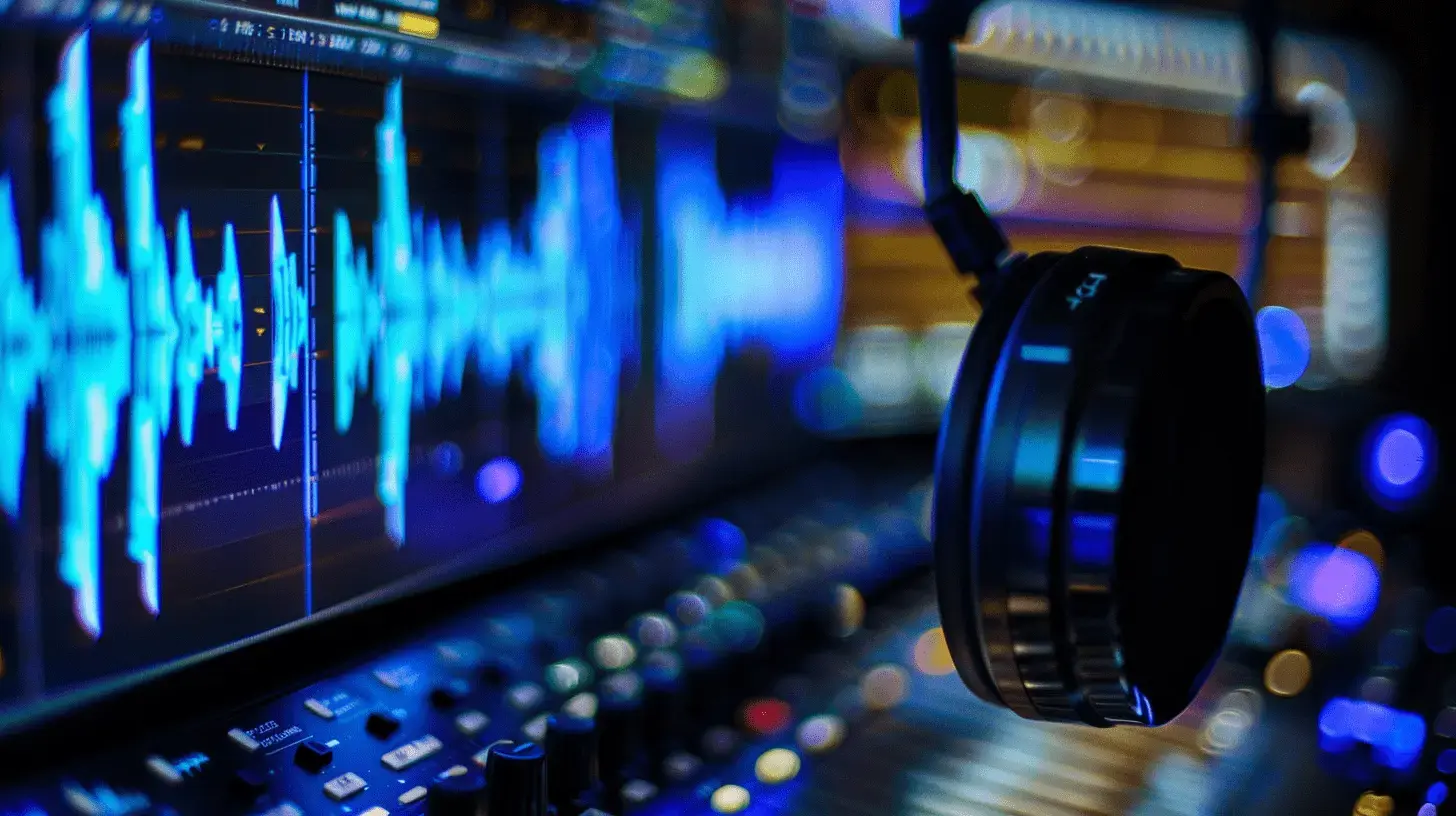
Waveform views, spectral displays, and frequency analysis tools help editors visualize audio data, making precise edits easier.
5. Plugin Support
Many audio applications support third‑party plugin formats like VST (Virtual Studio Technology) or AU (Audio Units), expanding your effects and toolset.
6. File Format Compatibility
A versatile editor should support popular audio formats like MP3, WAV, FLAC, AAC, and others. Broad format support ensures compatibility with various media platforms.
Top Audio Editing Software Tools (2026)
Below are some of the best audio editing software options available today, ranging from beginner‑friendly tools to professional workhorses.
1. Audacity
Audacity is one of the most recognized free and open‑source audio editors. Ideal for beginners and hobbyists, Audacity offers essential editing features like multi‑track support, noise removal, effects, and a wide range of file format compatibility. Because it’s open‑source, users benefit from community support and a library of free plugins.
Strengths:
- Completely free and cross‑platform (Windows, macOS, Linux)
- Good suite of built‑in effects and tools
- Strong community support and tutorials
Limitations:
- User interface is functional but less polished compared to commercial software
2. Adobe Audition
Adobe Audition is a high‑end professional DAW (Digital Audio Workstation) that excels in multi‑track recording, advanced noise reduction, and complex audio restoration tools. It integrates seamlessly with other Adobe Creative Cloud apps, which makes it a strong choice for video editors and multimedia producers who already use Adobe’s ecosystem.
Strengths:
- Industry‑standard features and advanced editing tools
- Great for detailed post‑production work
- Excellent noise reduction and spectral editing capabilities
Limitations:
- Subscription‑based pricing may be expensive for casual users
3. Sound Forge
Sound Forge is a long‑established digital audio editor aimed at professional and semi‑professional markets. It offers high‑quality recording, mastering and processing tools ideal for detailed audio workflows.
Strengths:
- Powerful waveform editing and mastering tools
- Good for both music and spoken audio editing
Limitations:
- May be more complex than needed for casual users
4. WavePad Audio Editor
WavePad Audio Editor is a versatile audio editor that works on multiple platforms, including Windows, macOS, Android, and iOS. It offers a range of editing functions like cut, copy, paste, audio effects, and compatibility with third‑party VST plugins.
Strengths:
- Multi‑platform support
- Easy to use for beginners and intermediate editors
Limitations:
- Some advanced features may require paid licenses
5. Tracktion Waveform
Tracktion Waveform (formerly known as Tracktion) is a modern DAW that provides both free and paid versions. Waveform offers tools for recording, editing, and MIDI integration, making it a flexible choice for music producers and creators looking for a streamlined audio workspace.
Strengths:
- Freemium model lets users try standard features for free
- Suitable for music production and general audio editing
Limitations:
- Advanced features require upgrade to the Pro version
Choosing the Right Audio Editing Software
Making the best choice depends on your workflow, skill level, and budget:
- Beginners and Casual Creators: Tools like Audacity and WavePad provide core editing features without overwhelming complexity.
- Intermediate Users: Software that supports plugins and multi‑track workflows empowers more creative control.
- Professional Producers and Studios: Advanced DAWs such as Adobe Audition or Sound Forge deliver industry‑grade precision, advanced restoration tools, and robust mixing capabilities.
Understanding your specific audio needs — whether it’s podcast editing, music production, or post‑production for film and video — will help you pick a tool with the right balance of power, usability, and price.
Conclusion
Audio editing software is an indispensable part of modern content creation. It enables users to produce professional‑quality sound, enhance listener engagement, and maintain high standards across digital platforms. From free, open‑source tools like Audacity to powerful professional suites like Adobe Audition, there’s a wide range of options available to meet different needs and skill levels. By understanding key features and comparing leading tools, you can make an informed decision that supports your creative goals and elevates your audio production quality.